
Few days ago we have posted an article about installing Turbo C++ on 32 bit Windows 7. Now we are providing step-by-step procedure how to run TASM on 64 bit Windows 7.

1. Install the software DOSBox ver 0.73 : download here
2. Download and extract TASM into the C: drive (c:\): download here
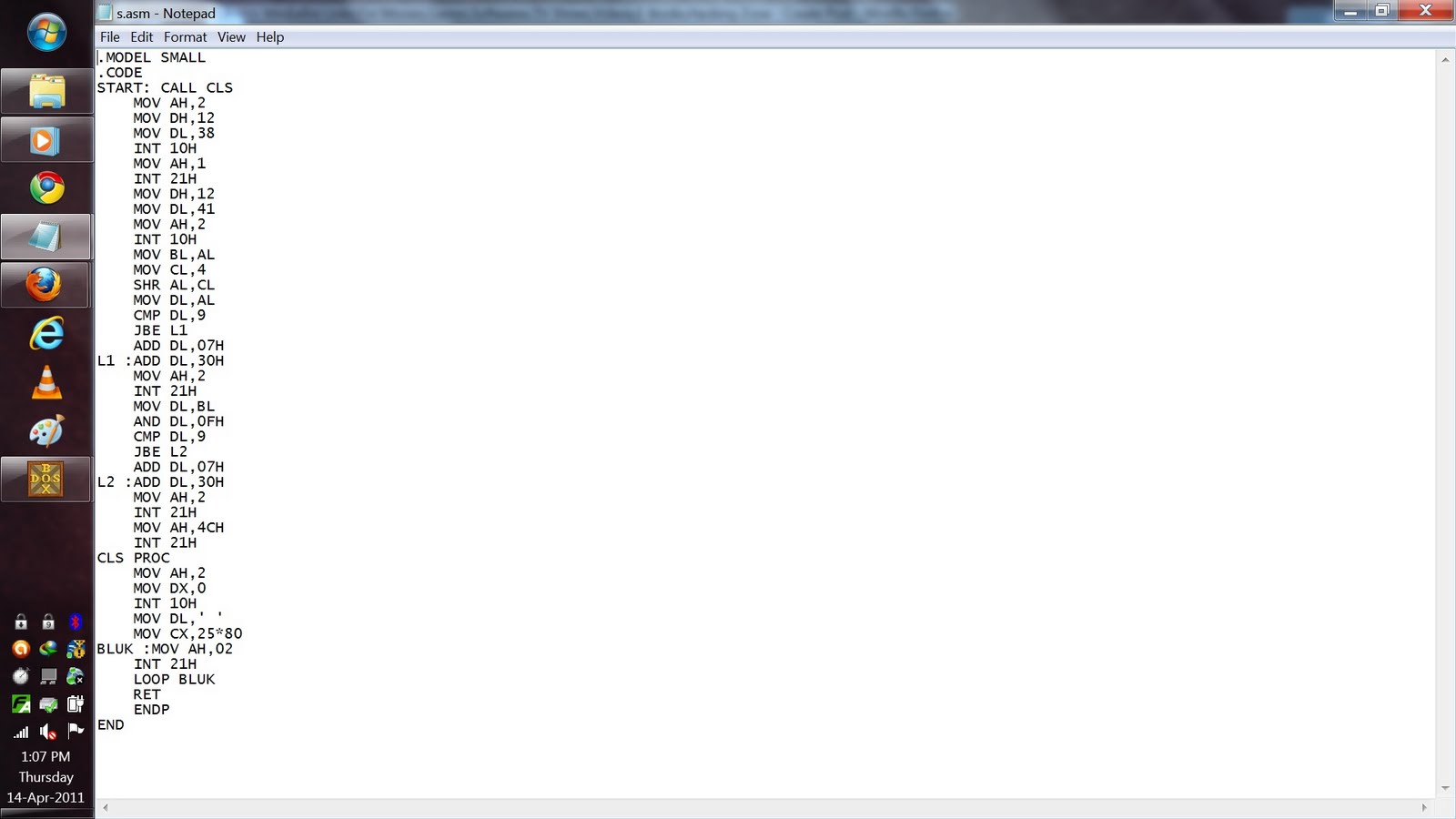
3. Now manually browse to "C:\TASM\" folder and create text file with any name.
and type full program inside that.
After that save the file as "FILE_NAME.ASM"
Here FILE_NAME can be anything but do not forget to put " before and after the file name.


4. Run the DOSBox 0.73 from the icon located on the desktop:
3. Now manually browse to "C:\TASM\" folder and create text file with any name.
and type full program inside that.
After that save the file as "FILE_NAME.ASM"
Here FILE_NAME can be anything but do not forget to put " before and after the file name.

4. Run the DOSBox 0.73 from the icon located on the desktop:


